
Welcome to our tutorial on translating Viddo! Whether you’re looking to make the platform more accessible or simply prefer using it in a different language, we’ll guide you through each step to ensure a smooth and personalized experience.
1. Get into the app. Log in with your credentials.
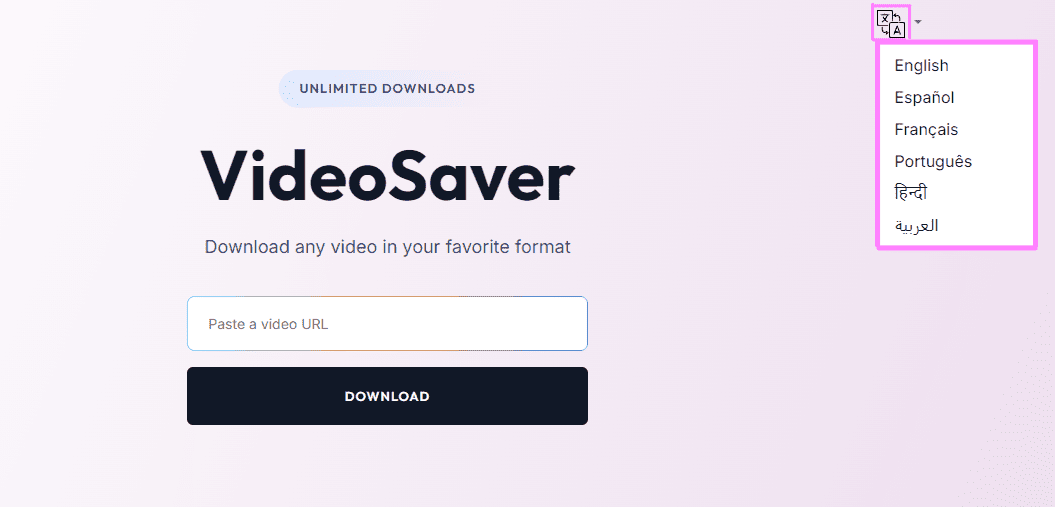
2. Click on the language icon. You can find it at the top right corner
3. Select your preferred language. The app will be translated automatically.
If you have additional doubts, remember that you can always contact us.