
Learn how to integrate Viber with Chat by activating the app, creating a Viber bot, and syncing it with Chat. Ensure your site uses HTTPS to receive messages in Chat’s admin area.
From Settings > Apps, click Viber and activate the app.
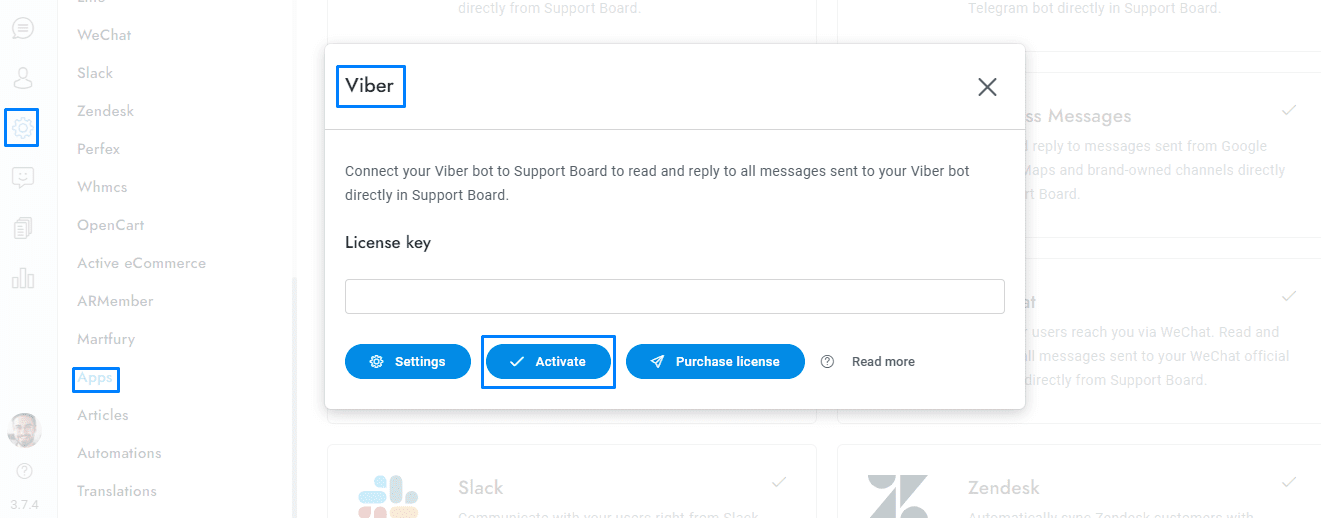
Create the bot at https://partners.viber.com/account/create-bot-account.
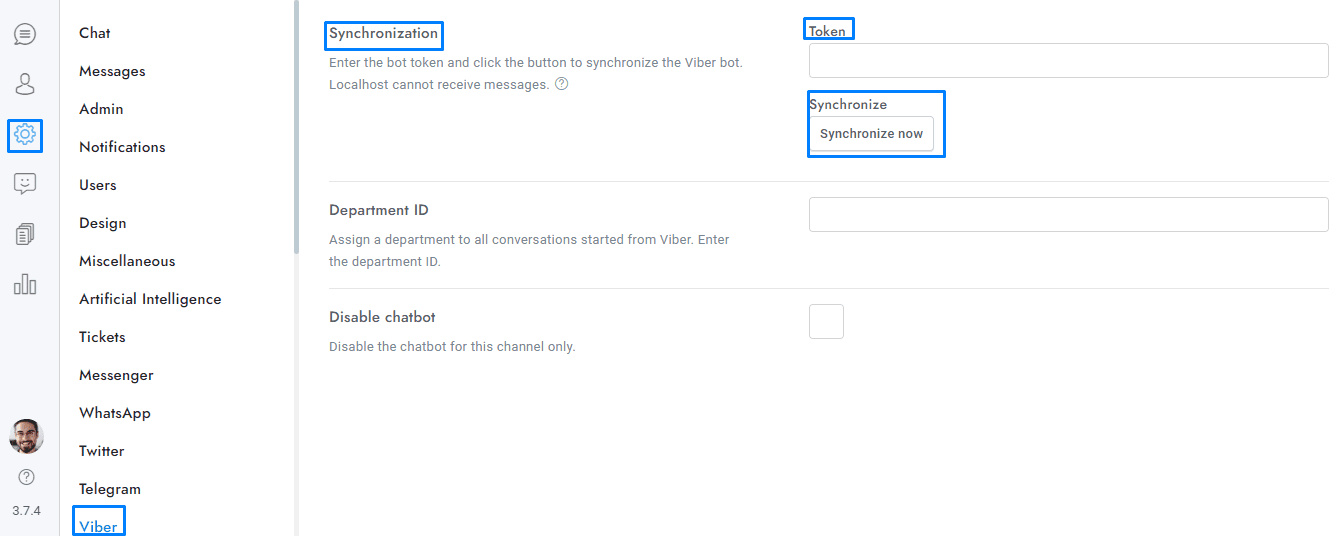
Copy the token and paste it into Chat > Viber > Token, then click Synchronize now. Your website must use HTTPS (SSL certificate), HTTP is not supported.
You’re done. All messages sent to your Viber bot will appear in the conversation admin area of Chat.