
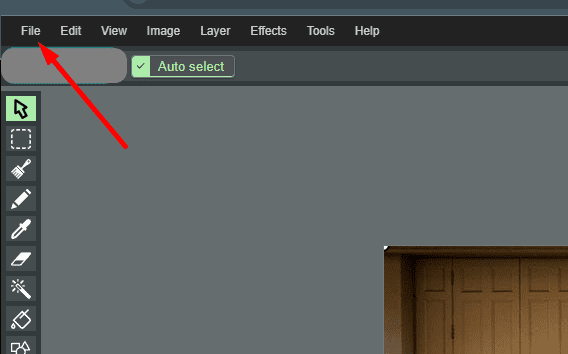
Locate the “File” Button
In the top left corner of the interface, look for the “File” button.
Select “Open”
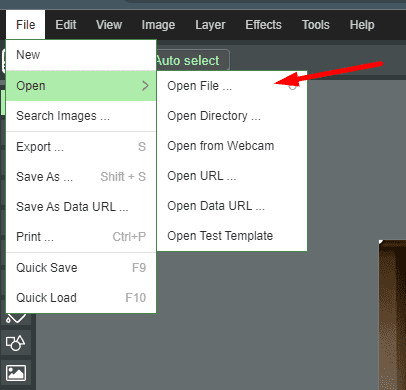
From the dropdown menu that appears, choose the option “Open”, and then select “Open File”.
Choose Your Image
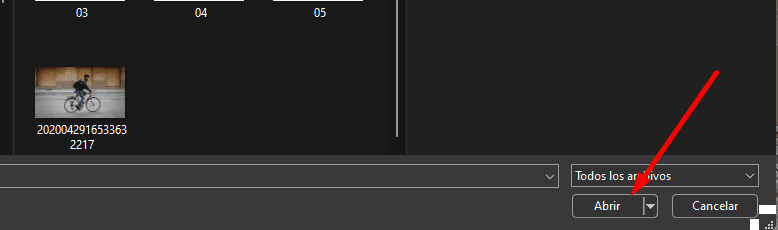
In the window that opens, navigate to the location of the image file you want to edit. Select the image file and click on “Open”.
Drag and Drop the Image File
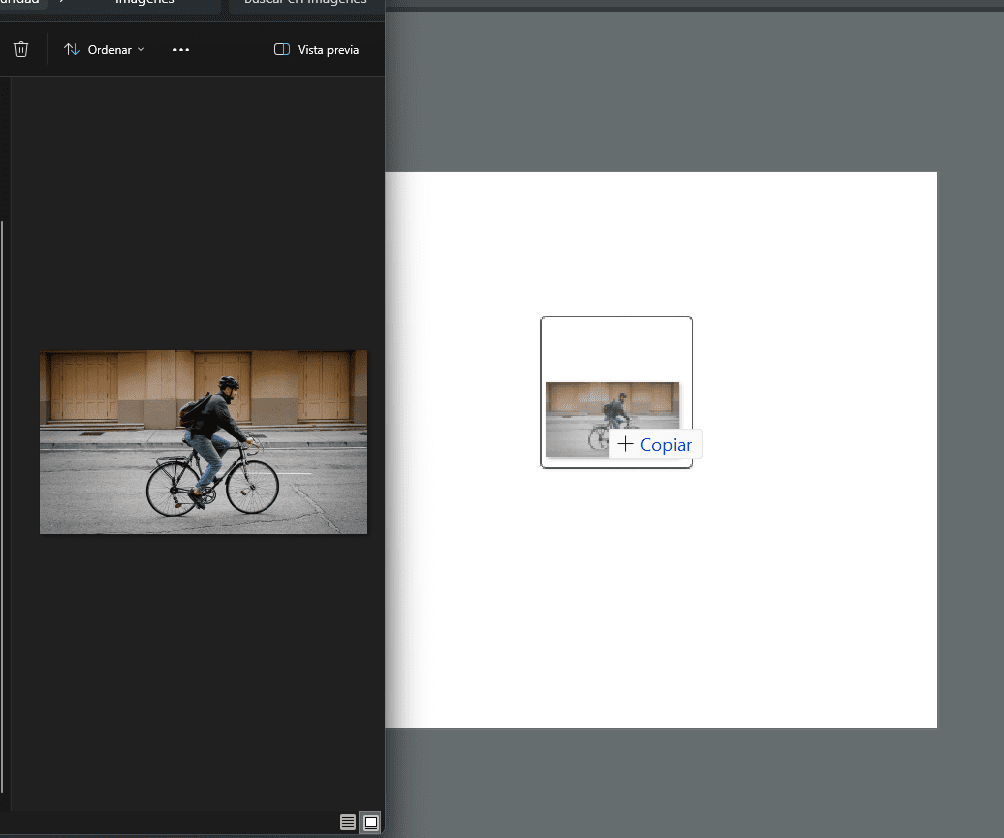
Alternatively, you can simply drag the selected image file from its location and drop it into the Paint editor.
Begin Editing
Once the image is imported, you can start editing it using the various tools and features available in Paint.